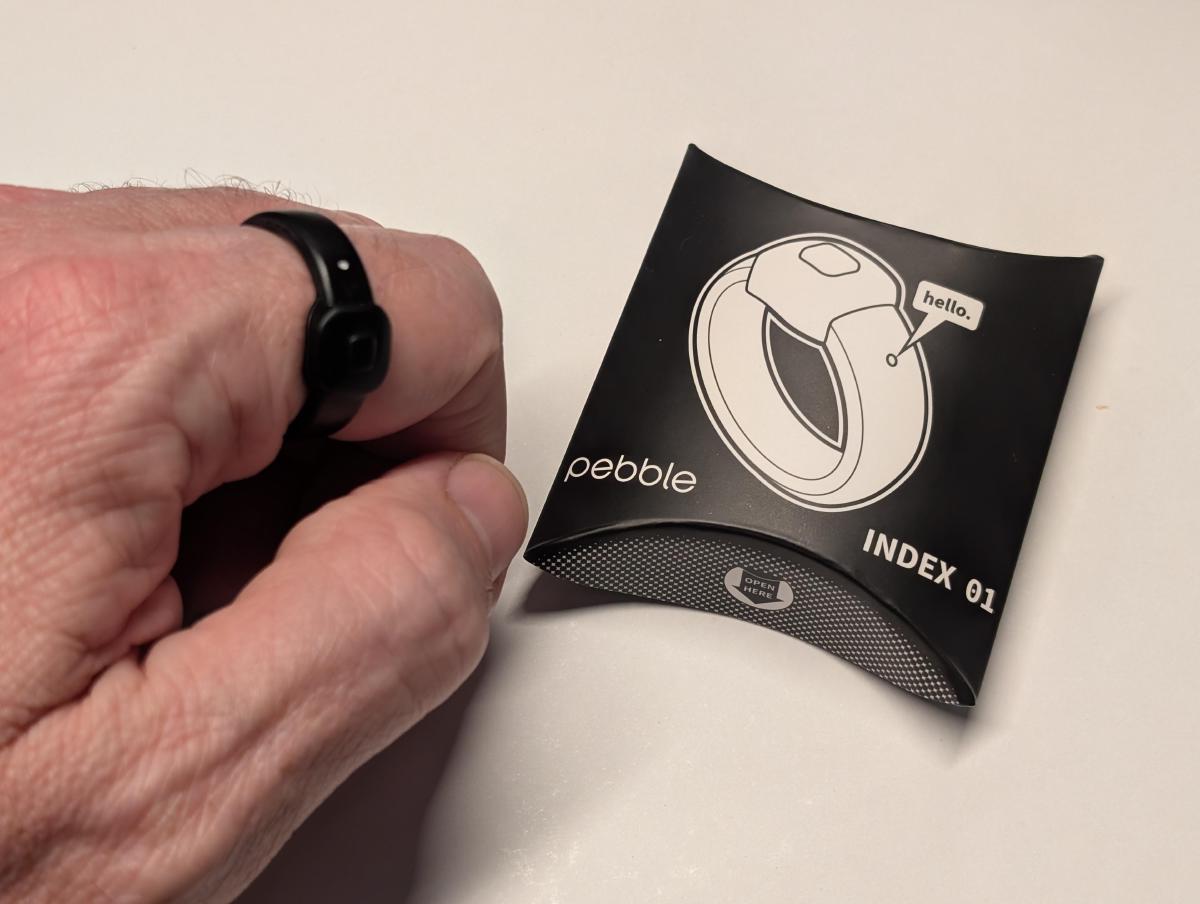
I have been having fun playing with my new pebble index01 smart ring, and I have been coaxing it to do what I want… The folks at pebble have done a FANTASTIC job of making it easy to have the voice notes from the ring parsed using a local (phone only) Speech-To-Text interface that I can then pass to a web hook somewhere for handling.
Why?
I have a very strong preference for everything in my life living in Obsidian, so I naturally want my voice notes and anything that comes from them going straight to my Obsidian vault.
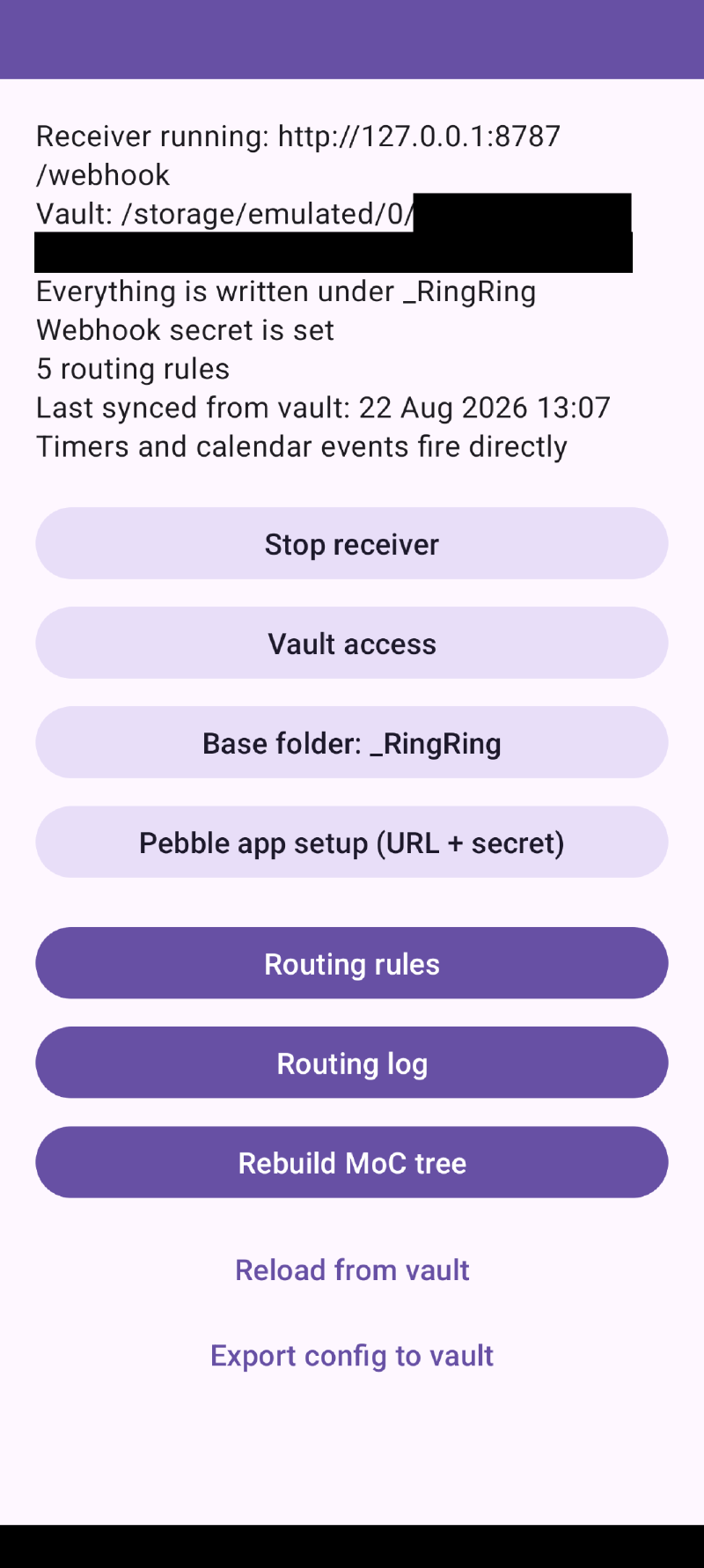
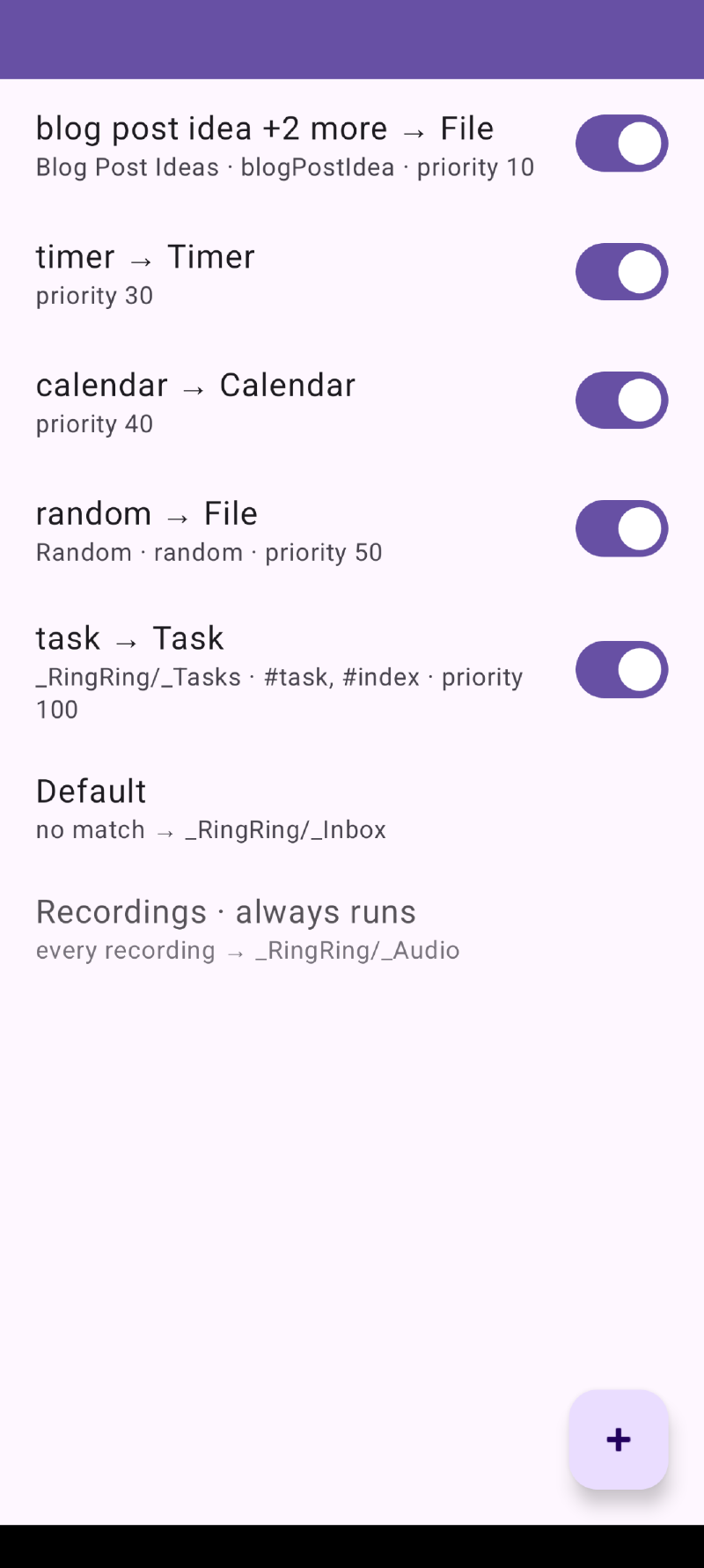
So I have claude-coded my way into an index01 router that runs as a local web hook on my phone, capable of routing different kinds of content to different places in my vault: Tasks, blog-post ideas etc, but also call intents to start timers, create calendar appointments etc…
It keeps the recordings in the vault as well so that I can re-listen to the recording if I get back to my vault and find that something has been mis-transcribed (which incidentally, doesn’t happen very often!)
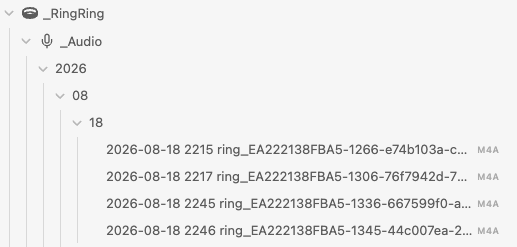
The notes arrive transcribed and the router files them by year/month/day in their appropriate folder based on the routing rules:
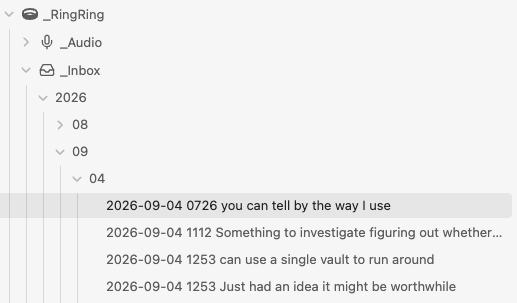
Inside the note you can playback the original recording if you want:
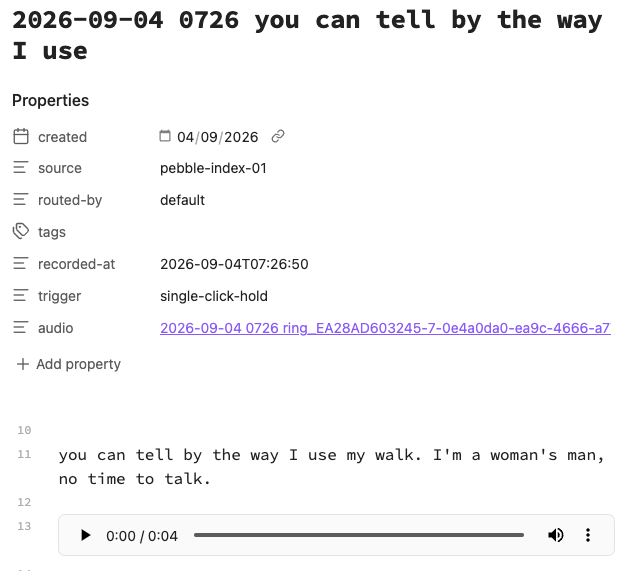
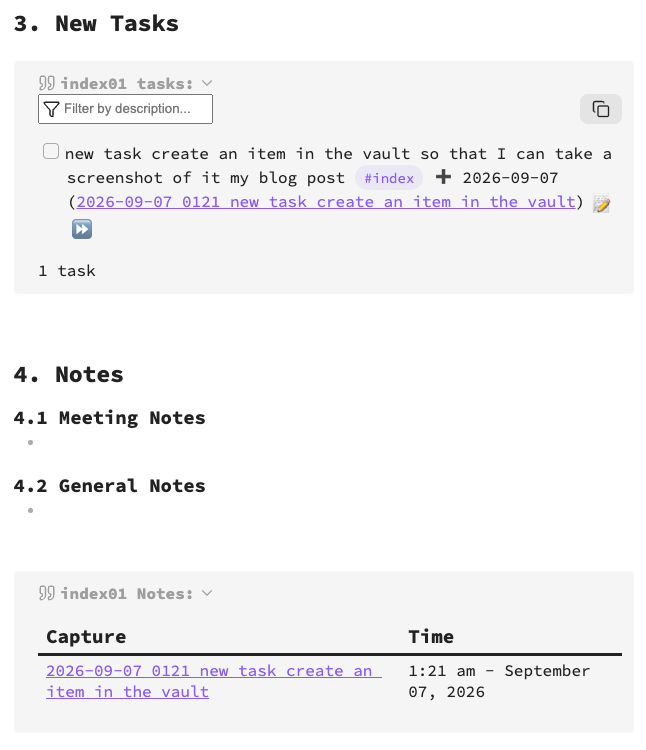
If it contains a task, the task is created for you:
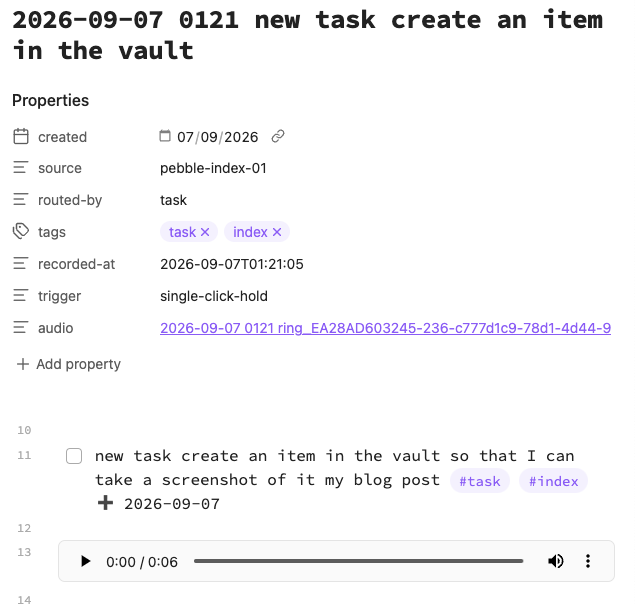
The task is added to your tasks list for the day through a tasks search specific to the index tasks input location:
It also handles timers and alarms via your regular clock app (these don’t end up in obsidian, obviously):

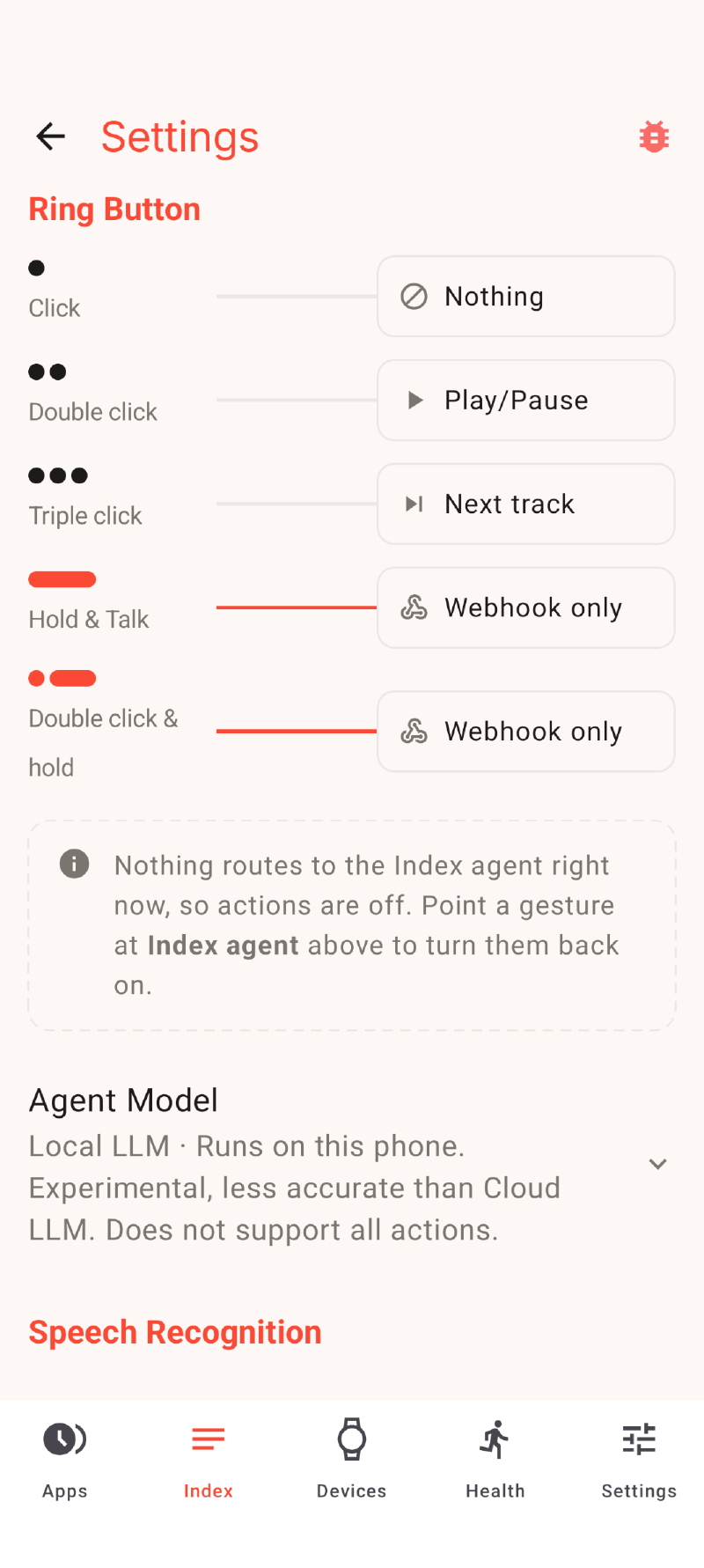
All up, it kinda looks like this from the ring to the Core Devices App:
flowchart LR
    A[index01] -->|voice recording| B[core app index feed]
    B --> C{called via?}
    C -->|single click| D[Do Nothing]
    C -->|double click| G[play/pause]
    C -->|triple click| H[skip track]
    C -->|single click hold| E[index router webhook]
    C -->|double click hold| F(reserved for future use)
    F --> E
    G -->|Spotify intent| I[Music Player]
    H -->|Spotify intent| I[Music Player]
And like this from my index router application’s webhook:
flowchart TD
    O[index router webhook]
    O --> Z{index router rules}
    Z --> |Always Run: audio recording| K[Obsidian m4a file]
    Z --> |keyword: task| Y[Obsidian task note]
    Z --> |keyword: blog idea| X[Obsidian blog idea note]
    Z --> |keyword: random| V[Obsidian random note]
    Z --> |keyword: timer| W(Set Timer)
    Z --> |keyword: new appointment| U(Create Appointment)
    W --> |timer intent| J[Clock App]
    U --> |calendar intent | T[Calendar App]
Download:
Available now on github at https://github.com/snrkl-labs/indexRouter