I hate carrying physical business cards. They get outdated, you forget to bring them, you find piles of cards from two jobs ago in an old jacket pocket…
I spend a lot of time at conferences - sometimes you need to give people your details, sometimes they just want to connect on LinkedIn, sometimes they can scan an NFC tag, sometimes they can scan a detailed QR code, sometimes they can only scan a simple one.
So I built a virtual business card app for Android.
It is now public: snrkl-labs/NFCBusinessCard under an Apache 2.0 license.
What it does #
This does 3 simple things really well:
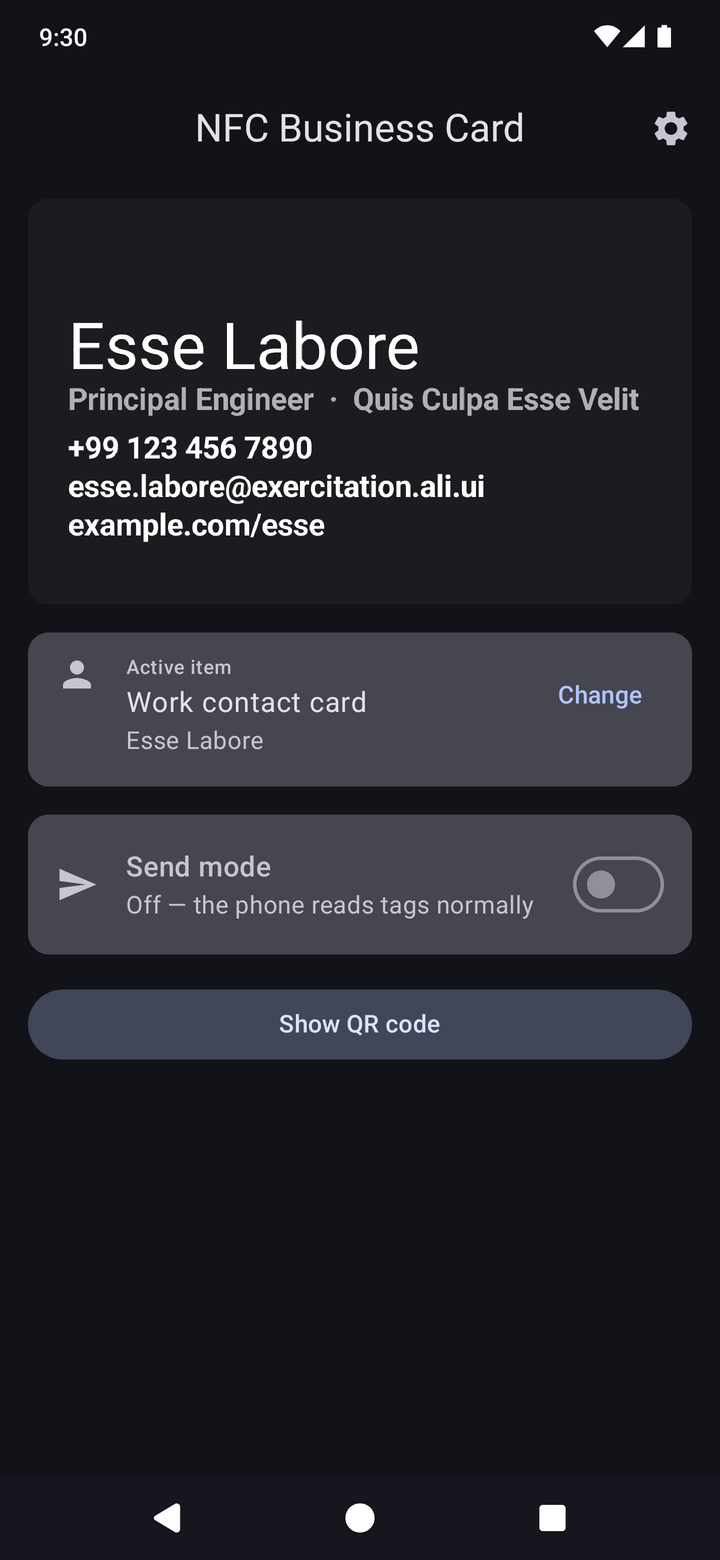
- Define a business card: Input the details or link to a web-hosted .vcf file, and optionally import a card image
- Show your details: Show the card on the screen, flip the card around depending on which way you need it shown
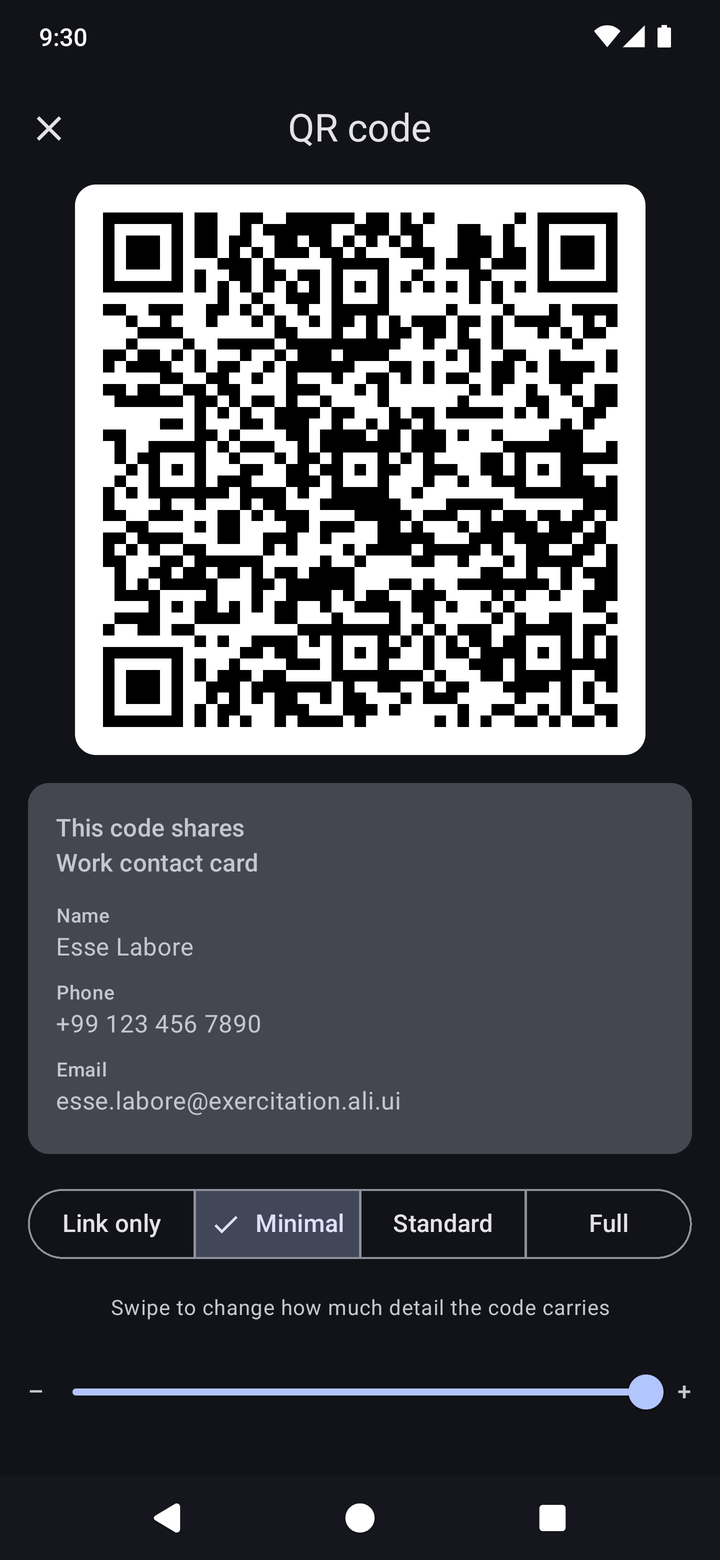
- Share your details: This can be via NFC or QR code. The QR code offers several levels of detail - the less detail, the easier the QR code is to scan.
It is built for Android, needs no Google Play Services, no network permission, has no telemetry, and generally just minds its own business.
Over NFC #
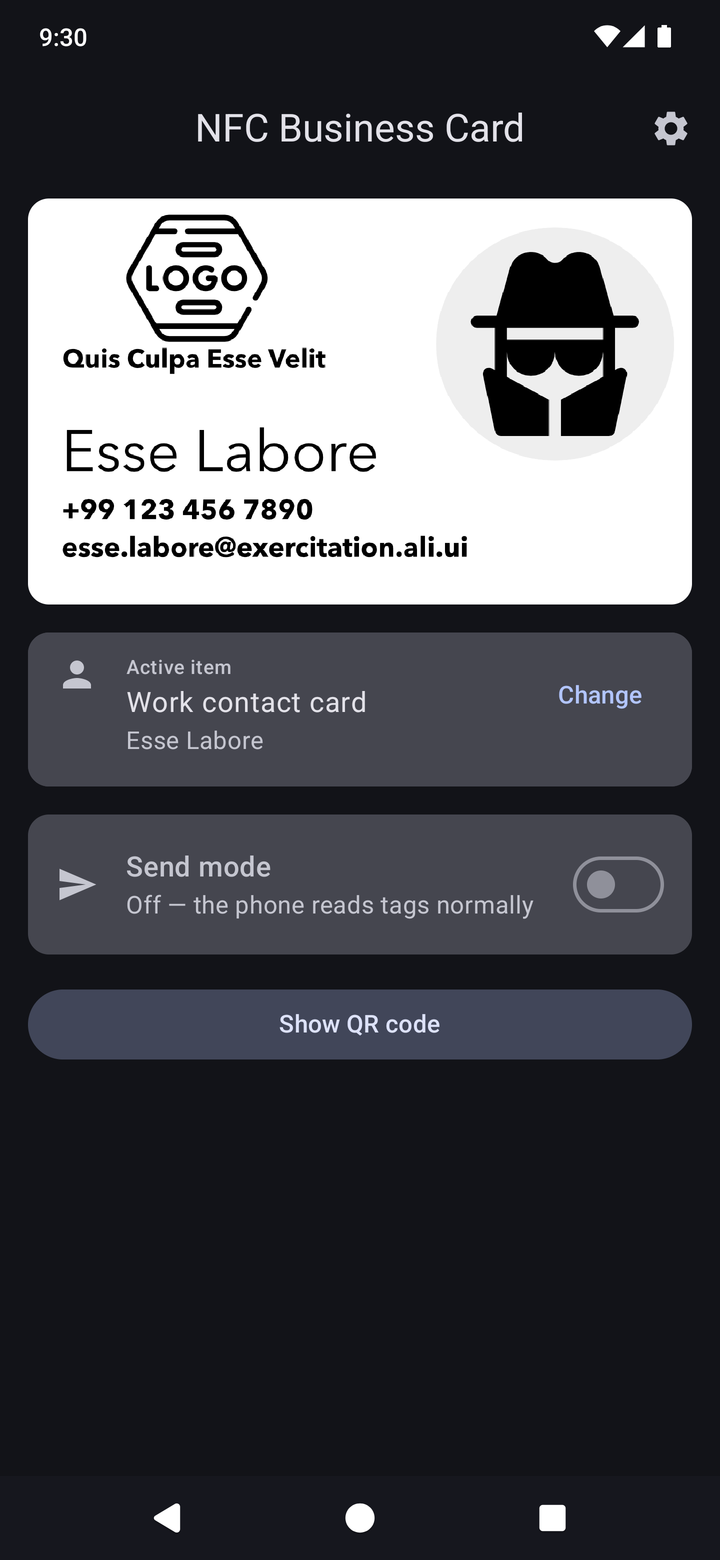
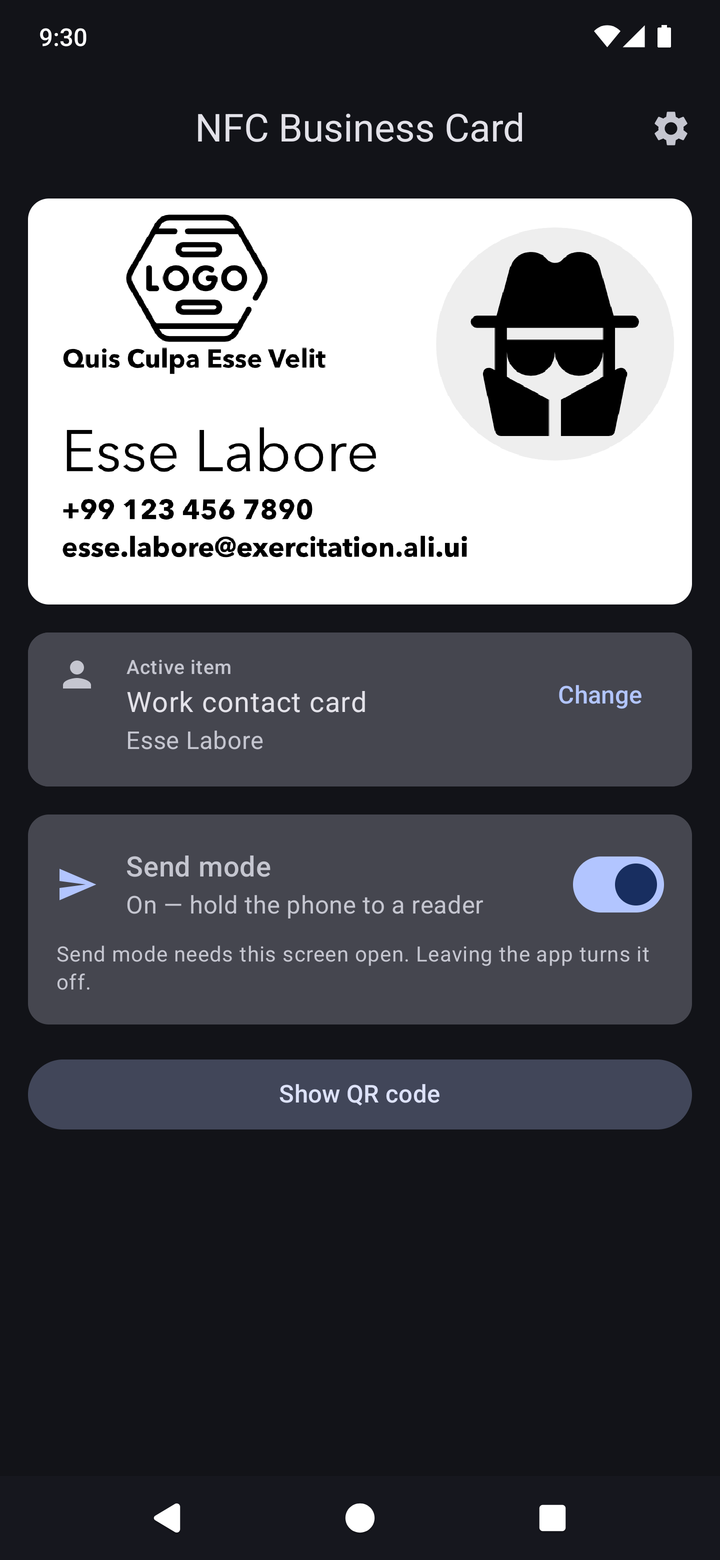
Turn on send mode and the phone answers a tap exactly as a physical tag would. This uses Android’s Host Card Emulation, so there is no tag hardware involved.
What works best is hosting a .vcf file somewhere and sharing a link to it. Any phone opens a link straight from a tap, iPhones included, and they get your full contact card.
As a QR code #
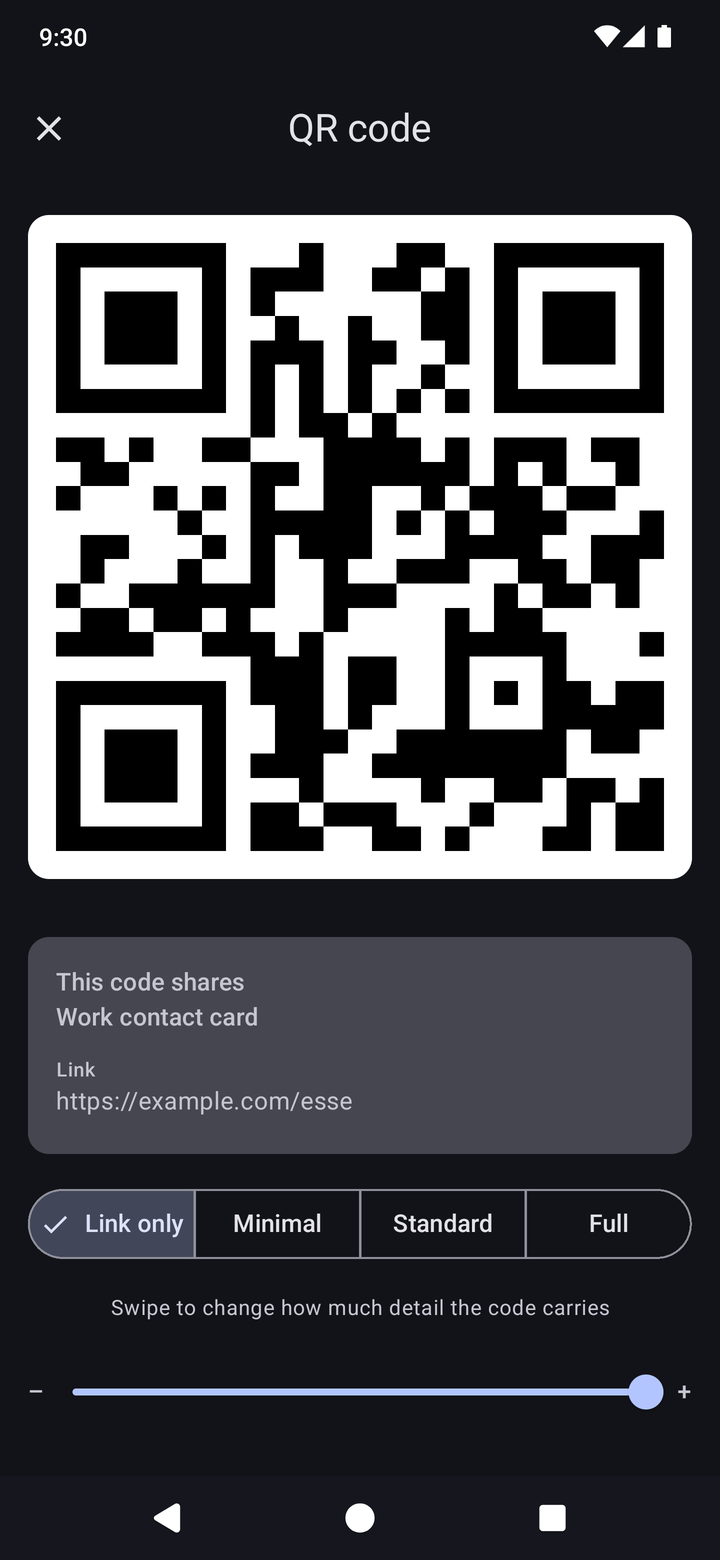
Codes are generated on the phone from the active item and never stored. Swipe between four detail levels: Link only, Minimal, Standard and Full. Fewer fields means bigger squares, which matters in bad light or with a poor camera. Brightness goes to full while the code is up. Your contact card photo isn’t included in the QR encoding because it makes the QR code too dense and unscannable.
As a card #
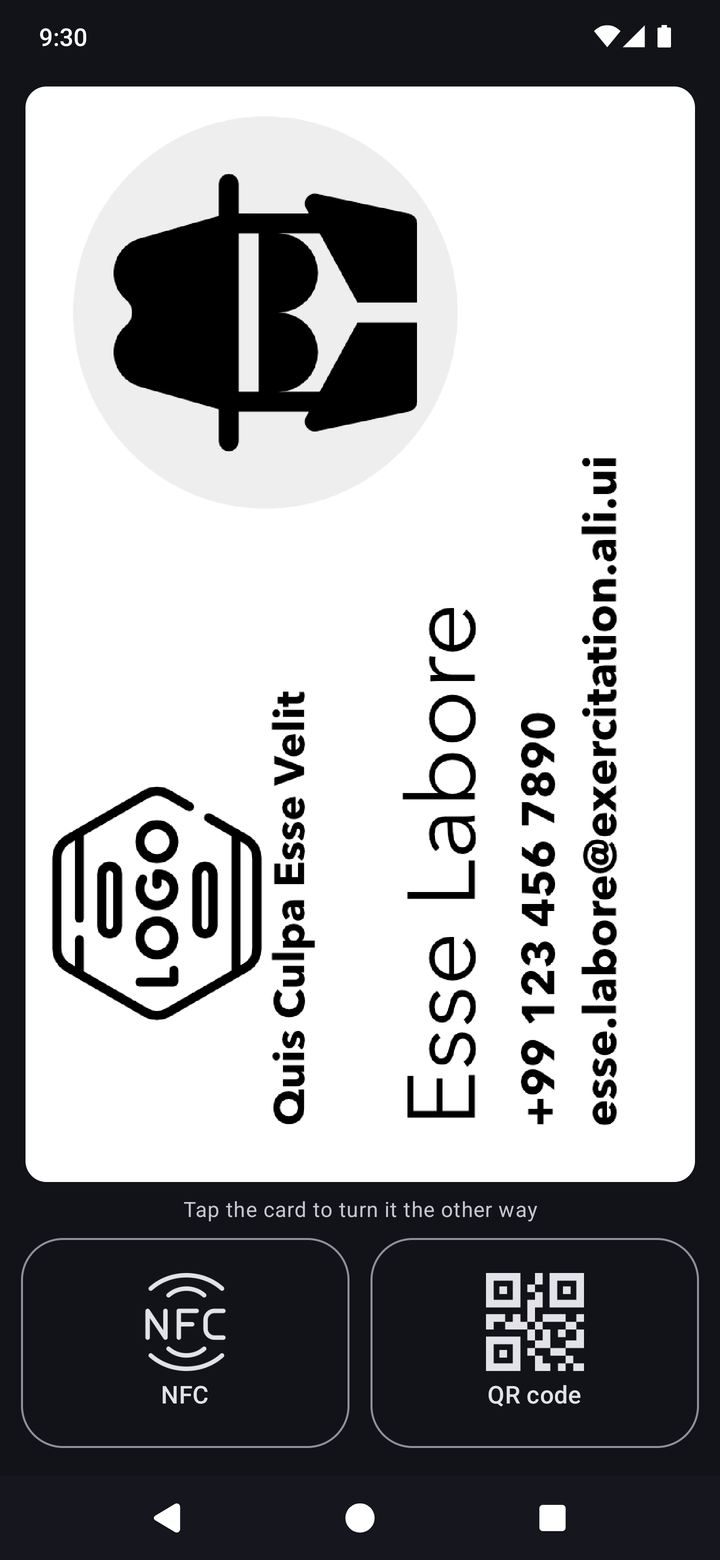
Use your own card artwork as a PNG, or let the app draw one from the contact details. Full card mode lets you flip the card to face the other person, and has buttons to share the card by NFC or QR.
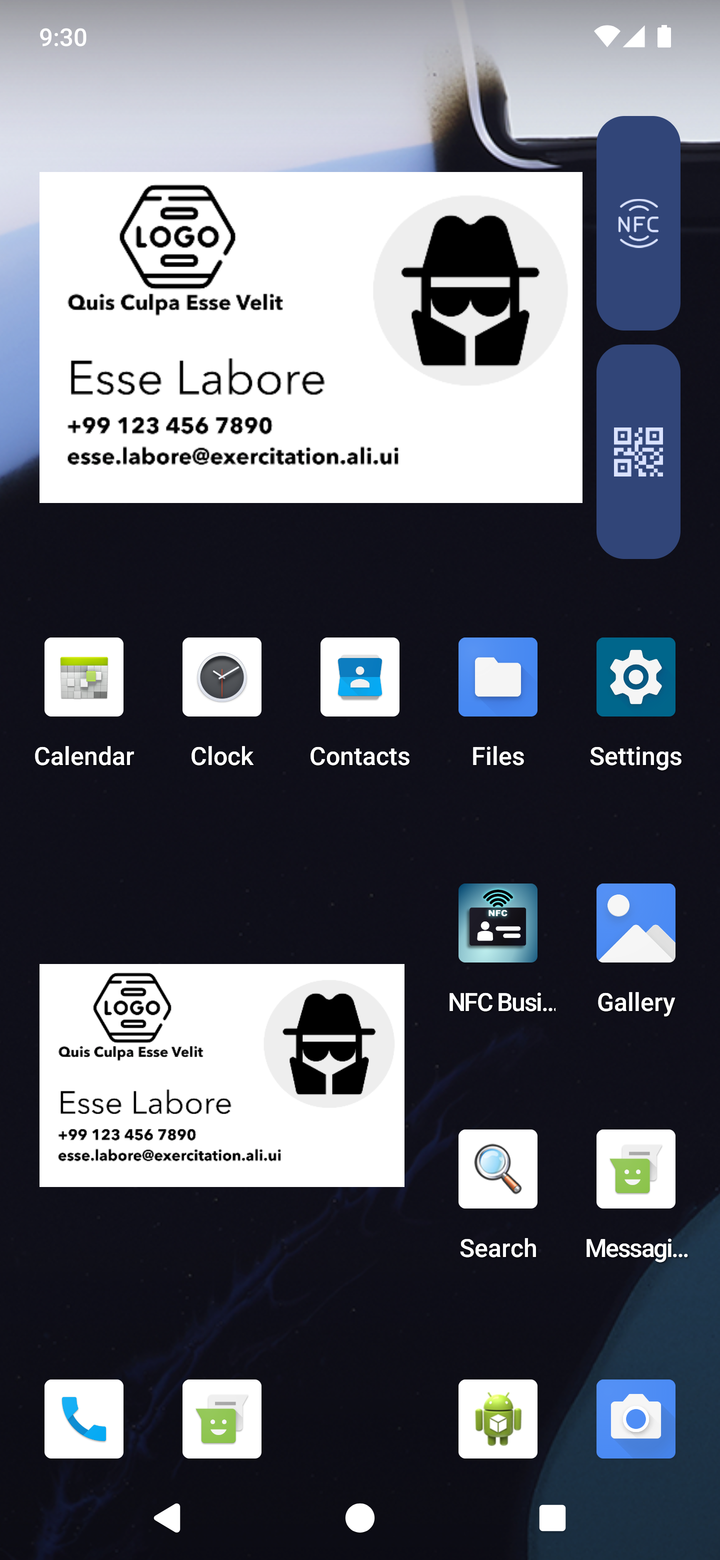
There is also a widget that puts a mini card on your home screen, ready when you need it in a hurry.
Managing items #
Create a vCard field by field, copy one from Contacts, or import a .vcf. Items can be reordered, edited and deleted. Settings cover card shape (Australian 90 x 55, ISO/CR80 or US), default QR detail level, brightness and tap confirmation.
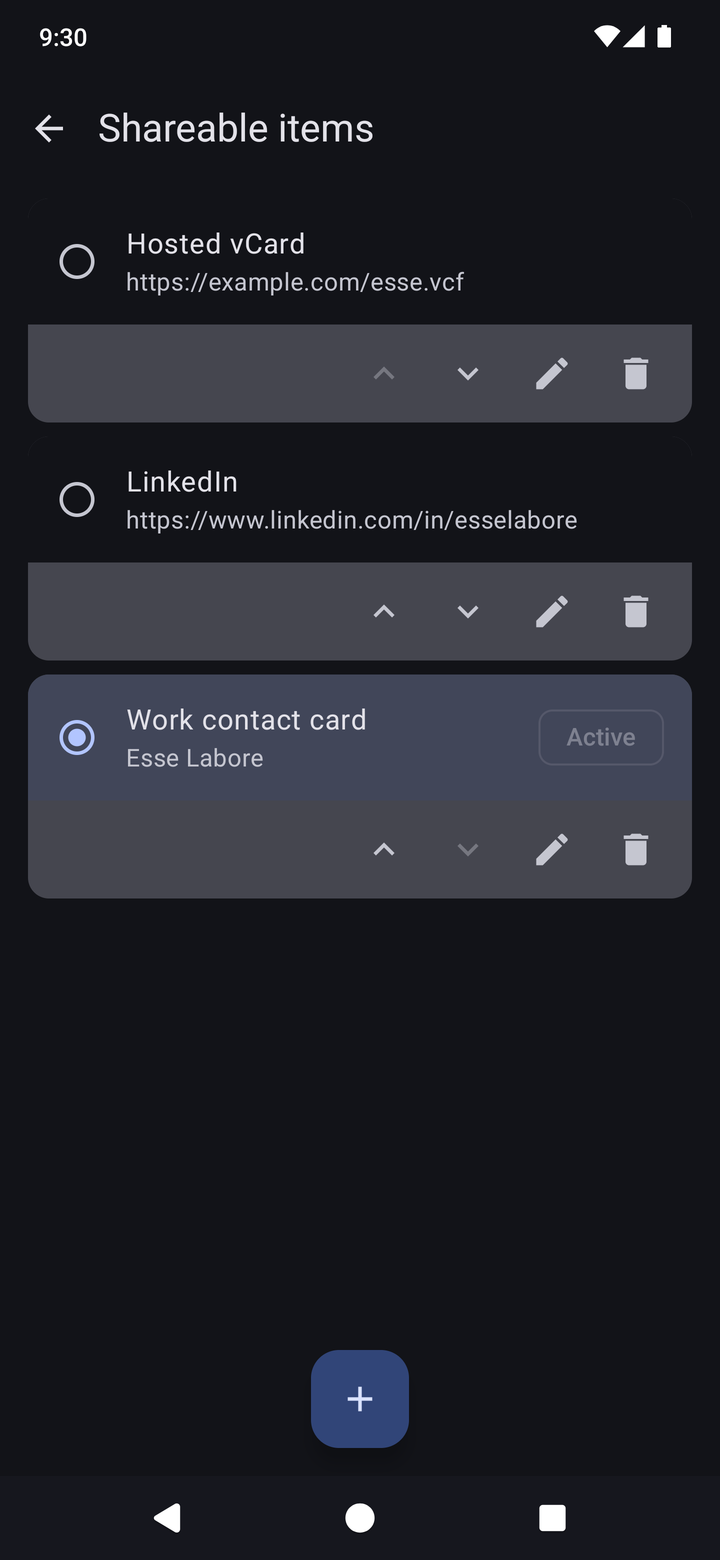
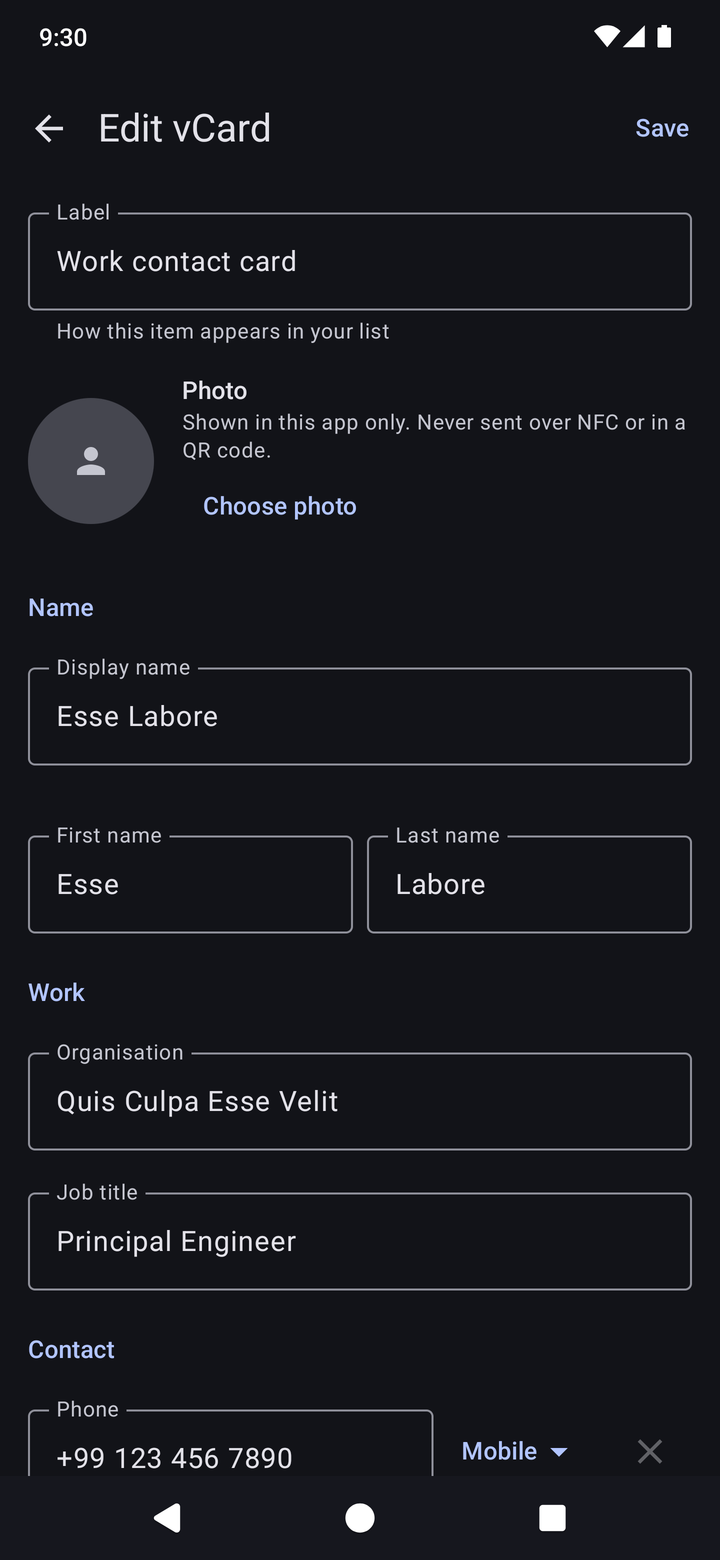
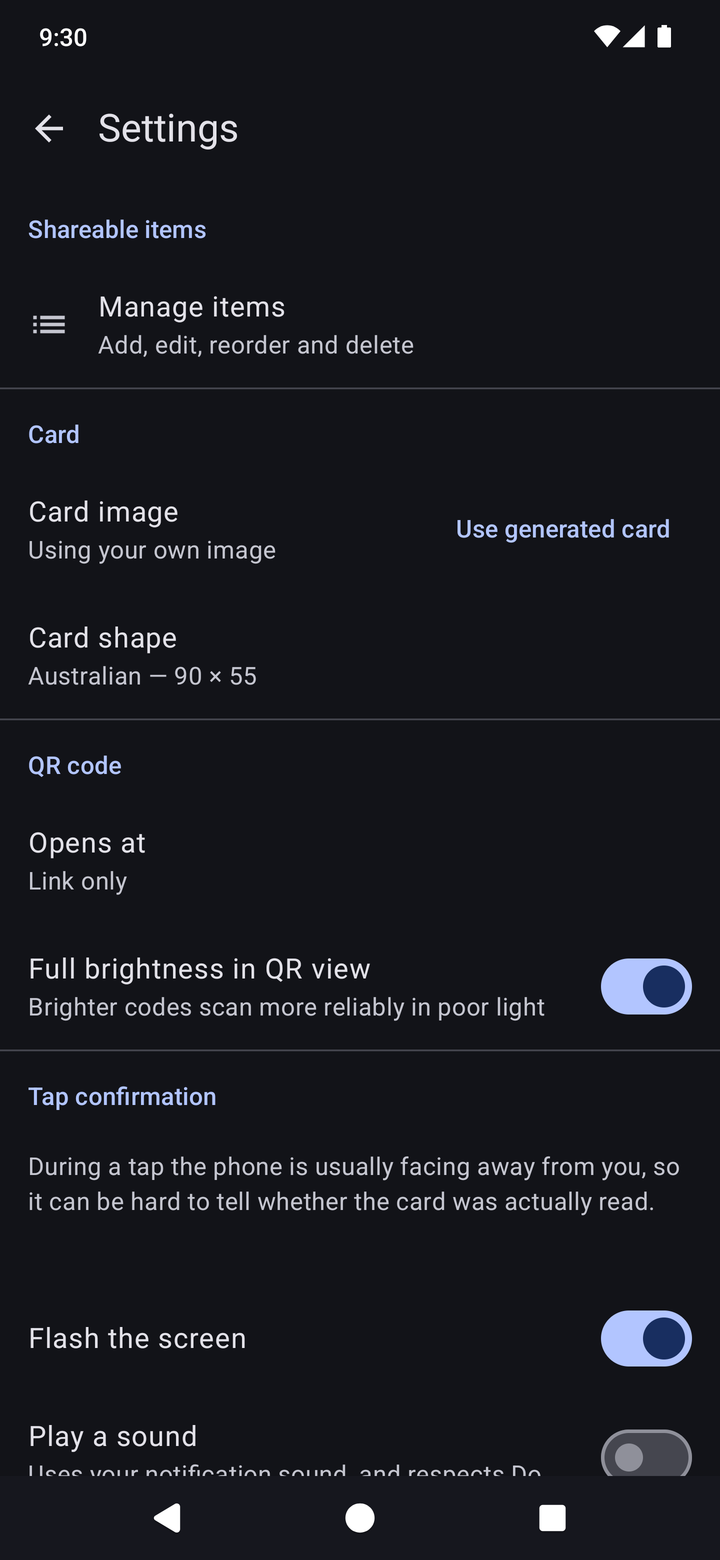
Note: these screenshots use placeholder details and sample artwork.
Installing #
Releases are signed APKs on the GitHub releases page. The easiest route is Obtainium: add the repo URL and it will pick up each new release. The signing certificate fingerprint is in the README and every release note, so a download can be checked with apksigner or AppVerifier before installing.
Issues and pull requests welcome on GitHub.